













You find the patient in the CRM. You mark the condition on the tooth chart and pick the treatment from the catalog. The price builds itself. The patient receives a signable plan in their own language, and the same document is attached to their CRM record.
139 treatments
ready catalog
6 languages
Arabic included
3 screens
from record to PDF
The dentist finishes the exam and writes the note on paper. The consultant opens the spreadsheet and looks up prices one by one. It goes into a Word template, and someone else does the translation. Meanwhile the patient has already written to two other providers.
The quote goes out the next day. Sometimes three days later.
Nobody can tell where the lost opportunity was lost, because the process never sits on anyone's screen.
Below are the interface's own screenshots. The patient, location and price details on them are sample data.
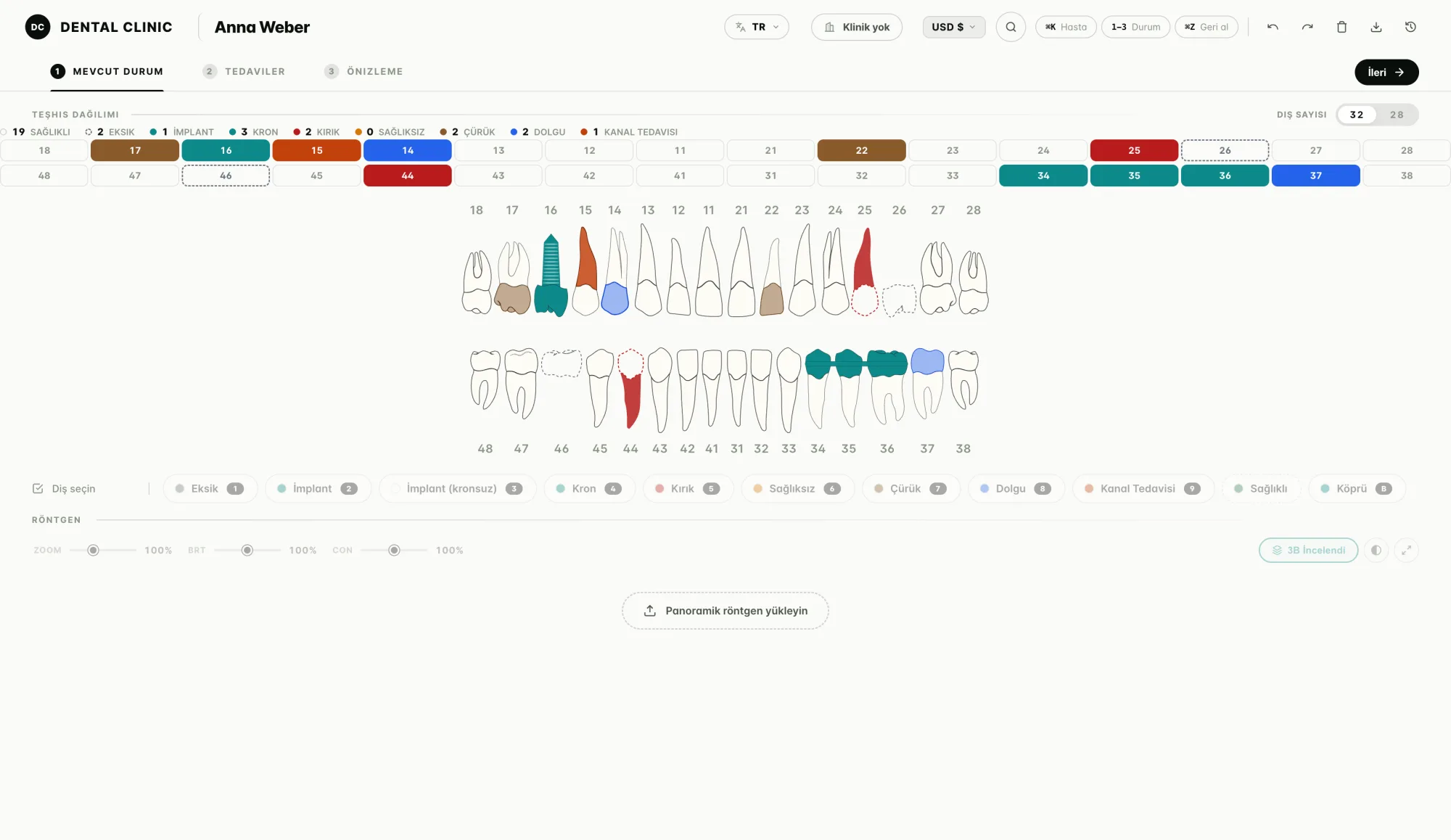
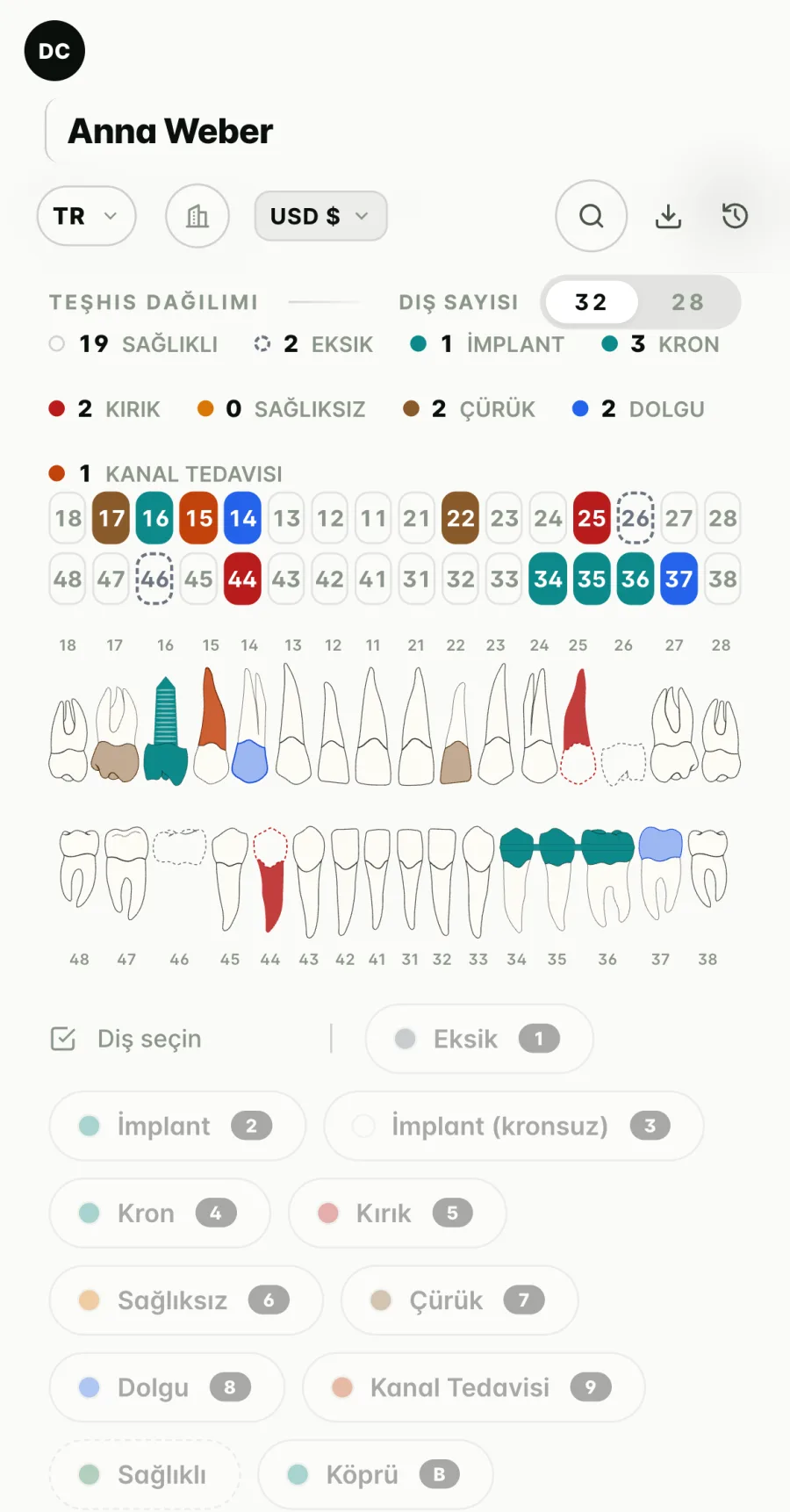
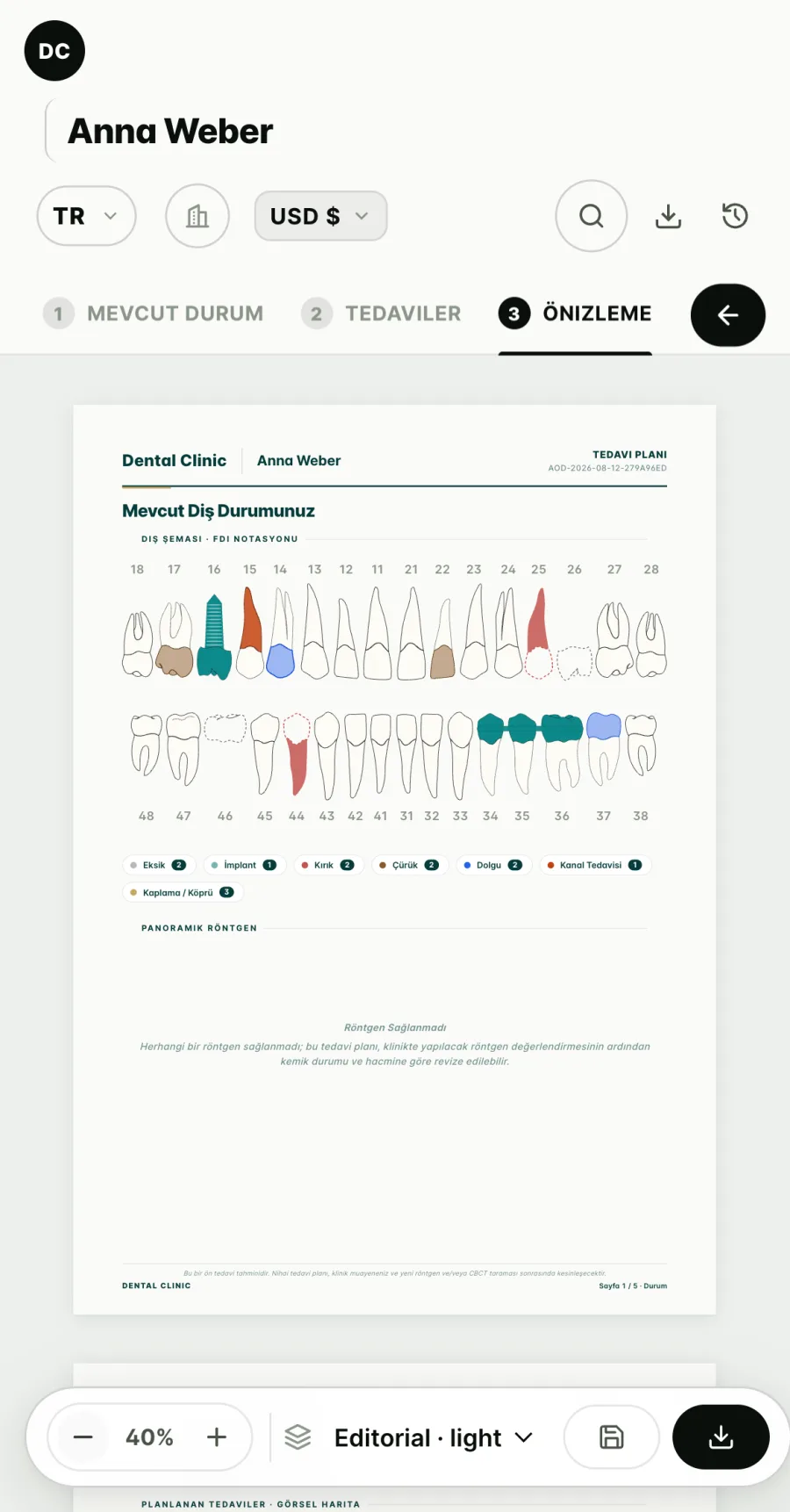
The mouth as it is today
All thirty-two teeth sit on screen with their FDI numbers. A missing tooth becomes a dashed outline, a broken tooth turns red, an existing implant turns into a screw drawing. The counter at the top keeps a live tally of sound, missing, implant and broken teeth. A panoramic X-ray can be uploaded and reviewed on the same screen.
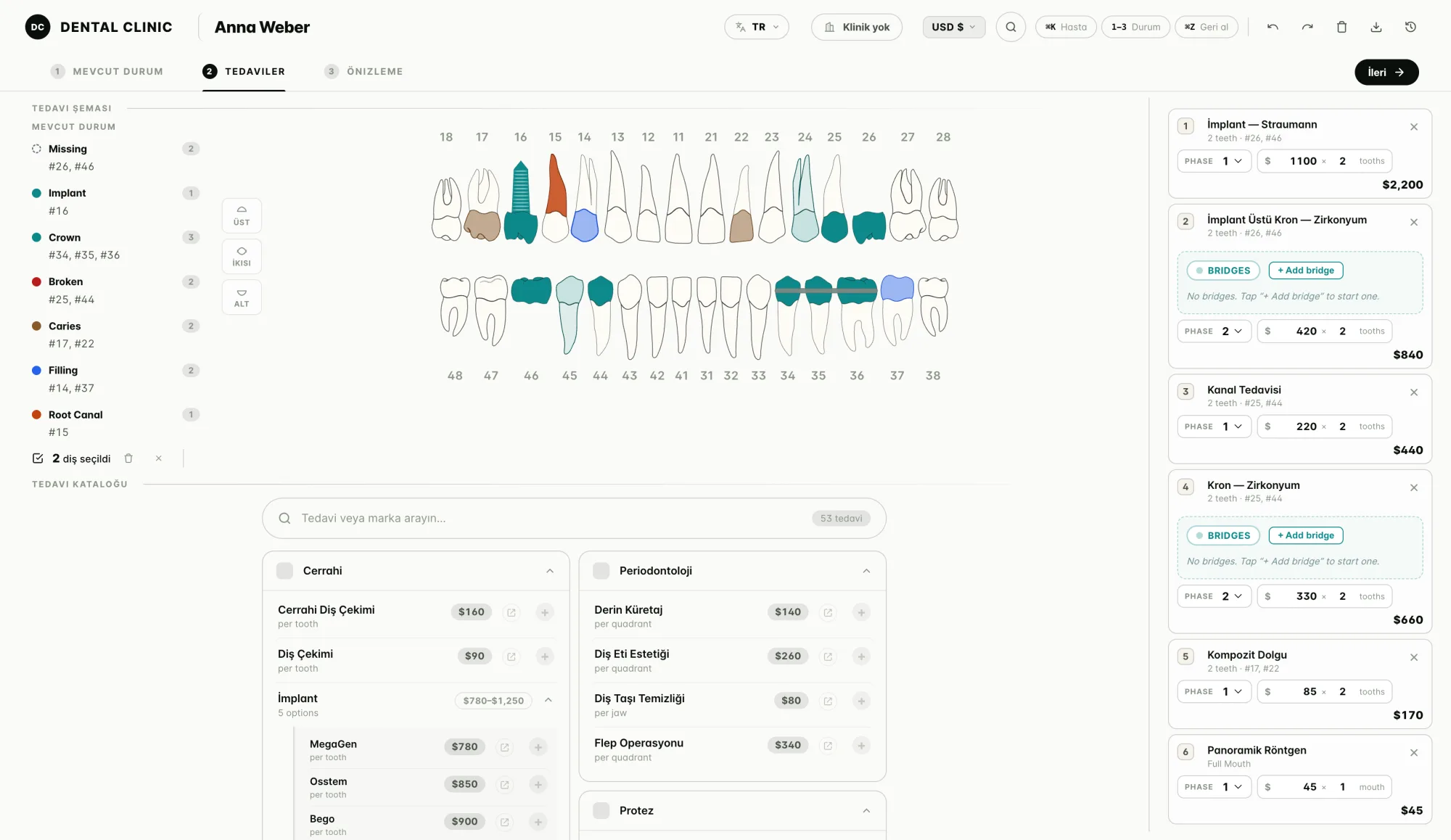
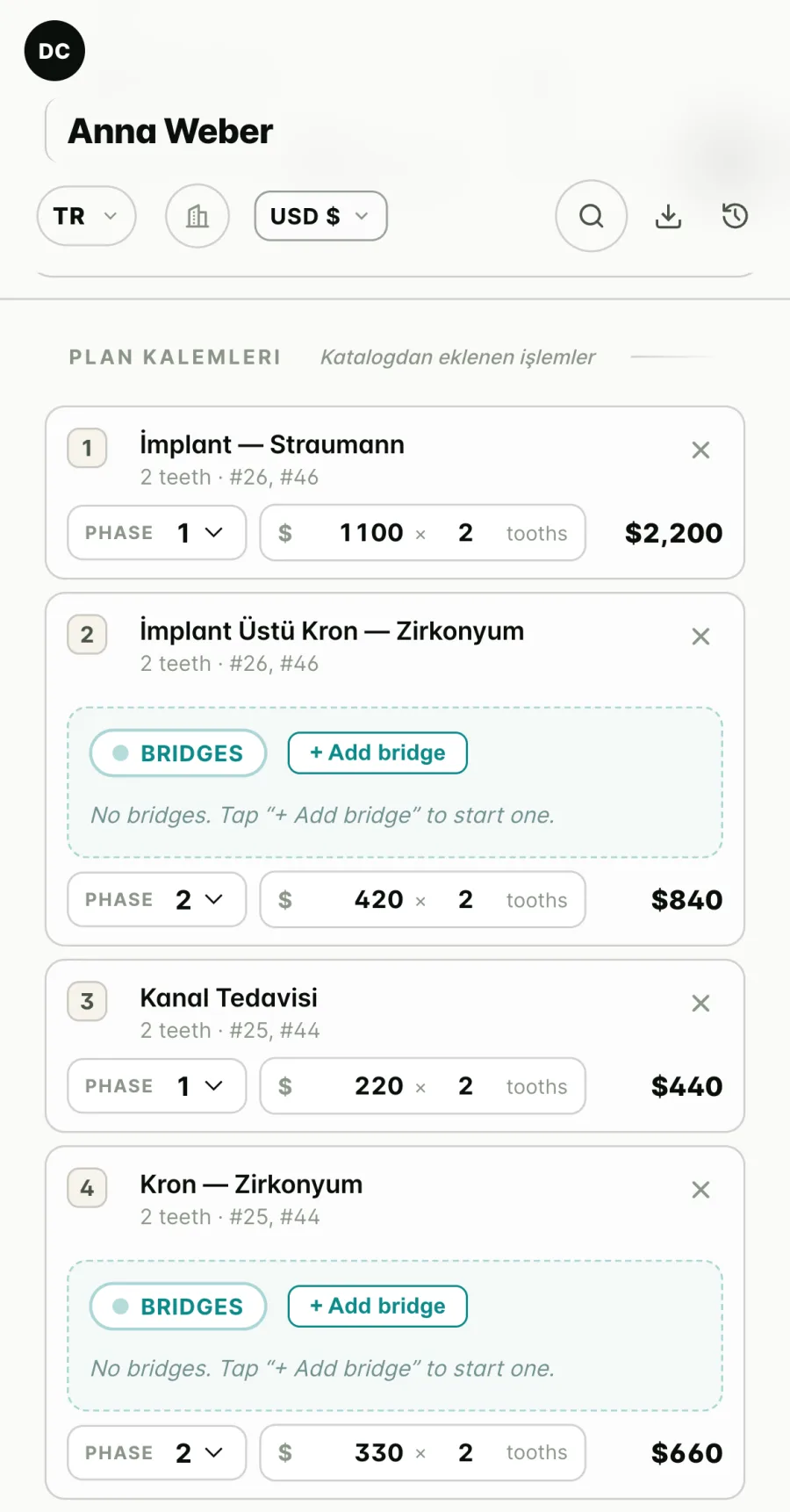
Treatment and price
You select the tooth and add the treatment from the catalog. Implants are priced brand by brand; EVOSS and Straumann are not on the same line. Price is calculated per tooth, per jaw, per quadrant or as a flat amount. Treatment is split into three phases, each with its own date and discount.
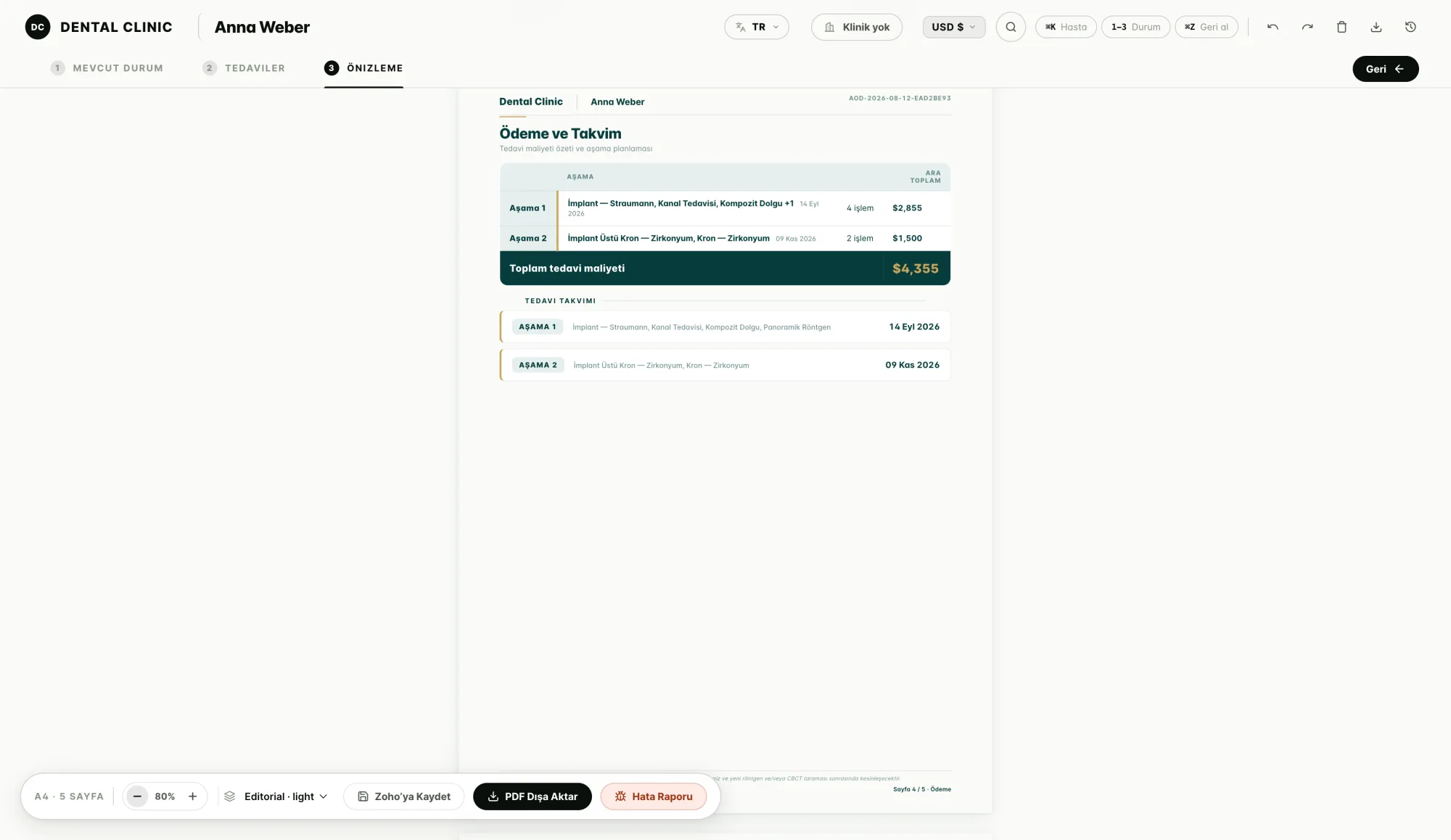
The document forms in front of you
The plan appears instantly as an A4 page; the tooth chart and diagnosis breakdown carry over to the document. From the same screen you export a PDF or save to Zoho. If no X-ray was uploaded, the document says so itself and notes that the plan may be revised at the visit.
Watch it in use
See the planner in real use on video.
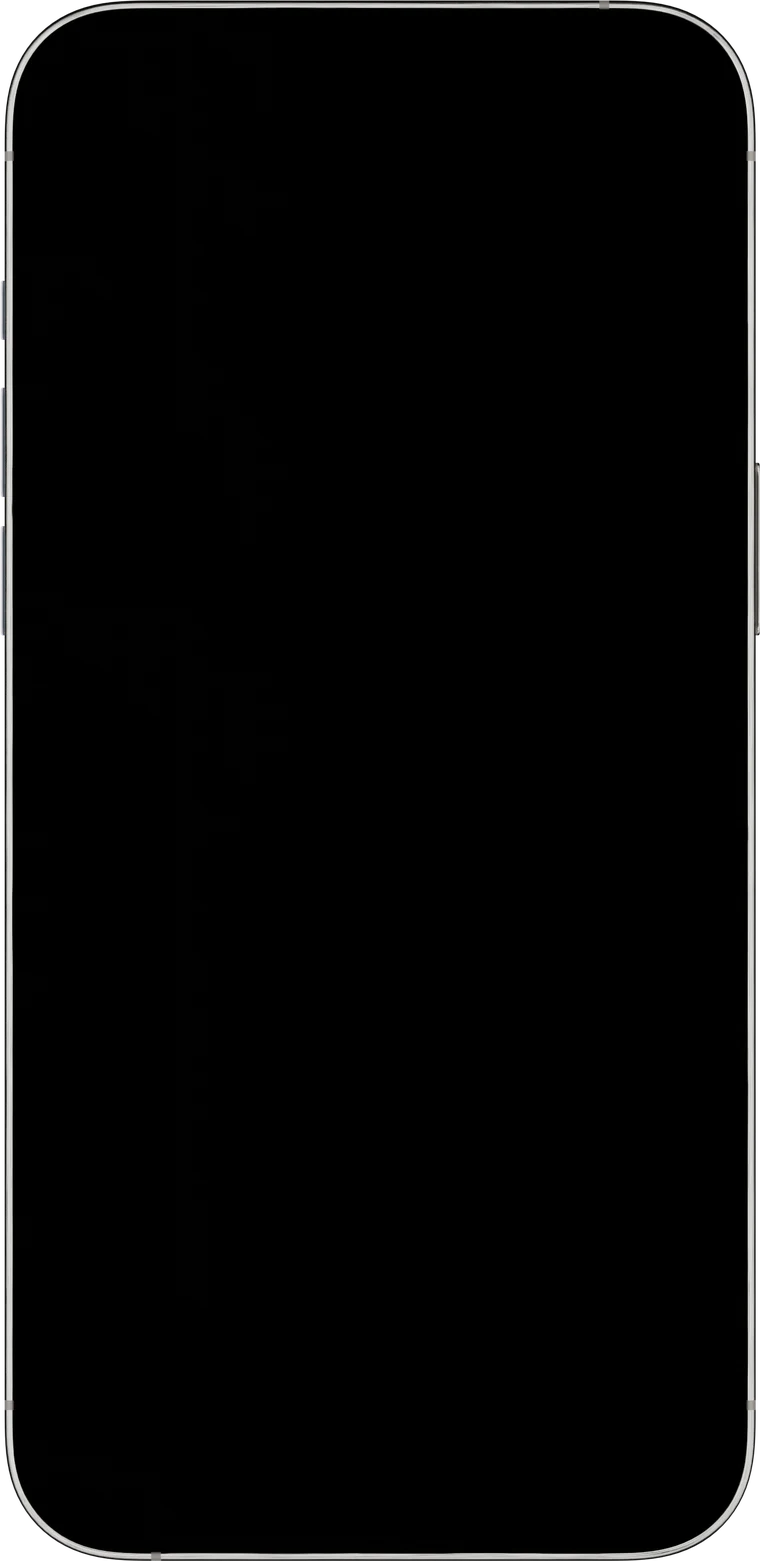
The location, patient and amounts on the screens are demo data. At setup, all of it comes from the real records in your CRM and your own price list.
139 treatments are ready in the catalog.
Surgery and implants, prosthetics, endodontics, periodontology, orthodontics, radiology.
Next to them are two more headings: hotel and transfer. For a patient coming from abroad, the quote is not just the treatment. How many nights they stay and how they get from the airport are part of the price too. The hotel list is set up with real hotels, and the patient sees which hotel they will stay at in the same document.
If you have more than one branch, each branch works with its own price list. You choose which branch the quote is for, and the prices follow.
In a bridge, not every tooth does the same job.
Some are abutments; they carry the load. The ones in between are pontics; they close the gap but don't sit on bone.
The planner makes that distinction. It recognizes All-on-4 and All-on-6 configurations and knows where the gap closes. The dentist reading the quote and the patient both see what the money is for.
Turkish, English, German, French, Russian and Arabic.
Arabic is set right to left, not a translation pasted on afterwards.
The terms and conditions are written separately in all six languages too. The patient reads the payment terms, the warranty and the cancellation clause in their own language. The currency can be set to dollars, euros, pounds or lira.
You choose what the patient will hold in their hands. Each design is four pages, and all four sit side by side below: a separate cover, the mouth as it is today, the proposed treatment and the total investment. We set up whichever one matches your brand's voice.
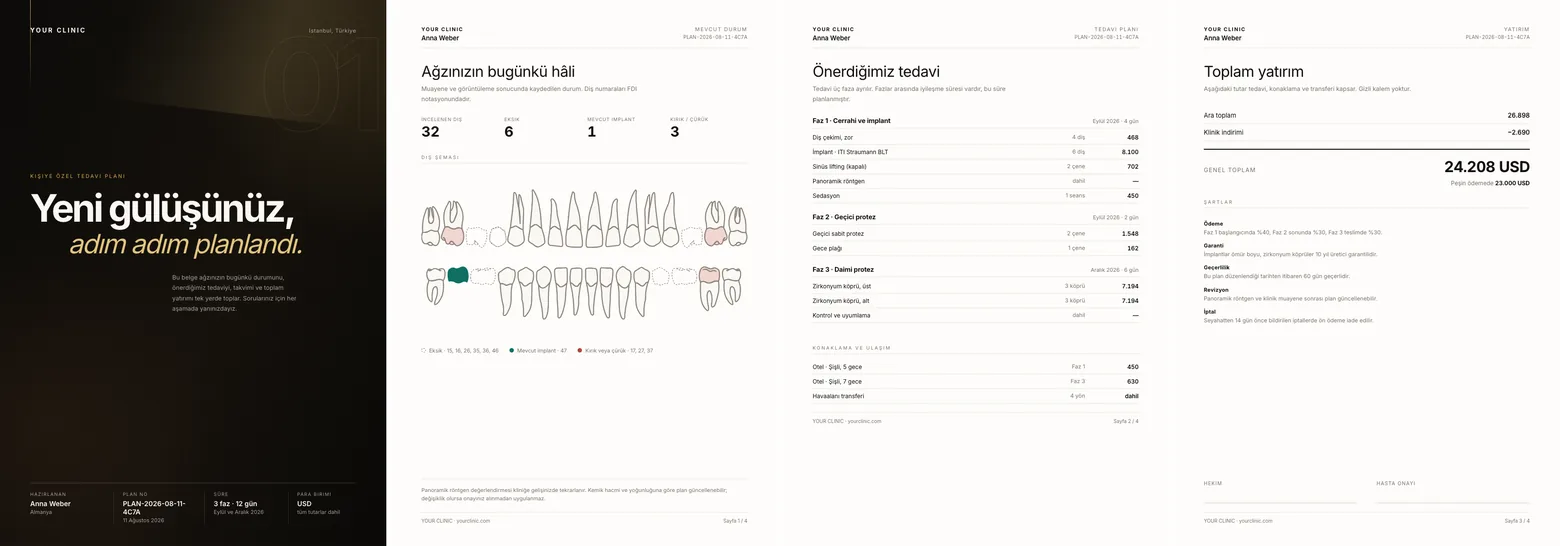
Editorial
dark cover, large typography
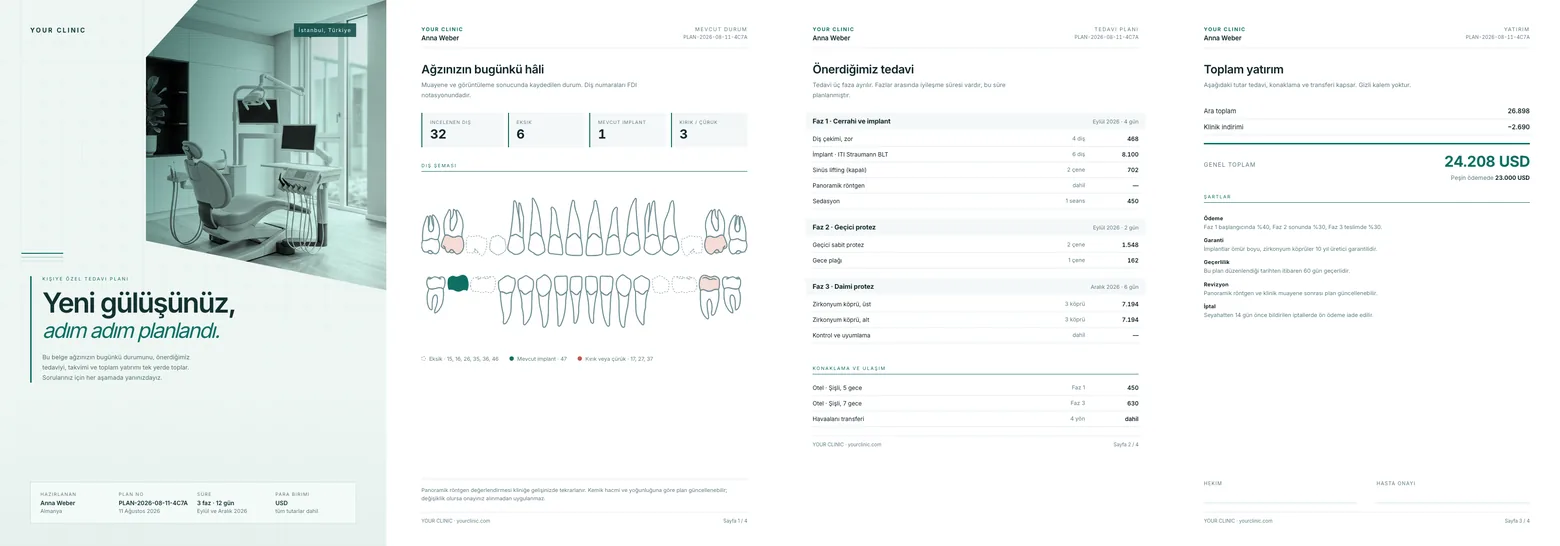
Medical
teal, grid layout
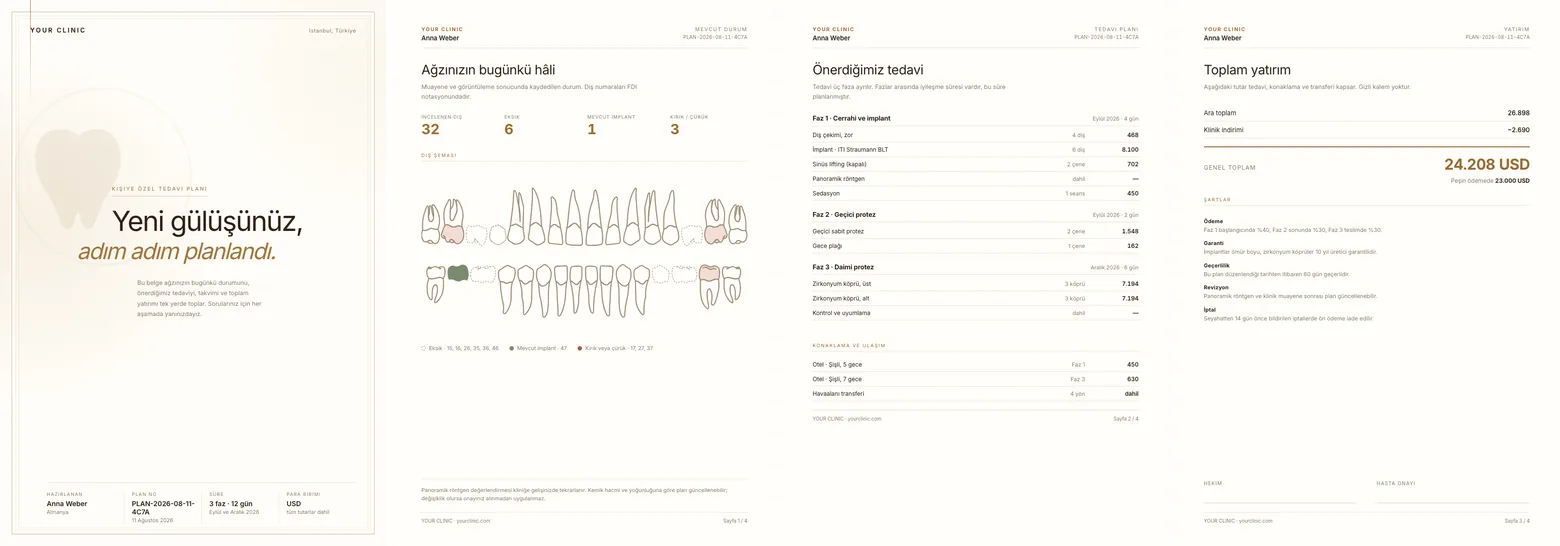
Manor
cream and bronze
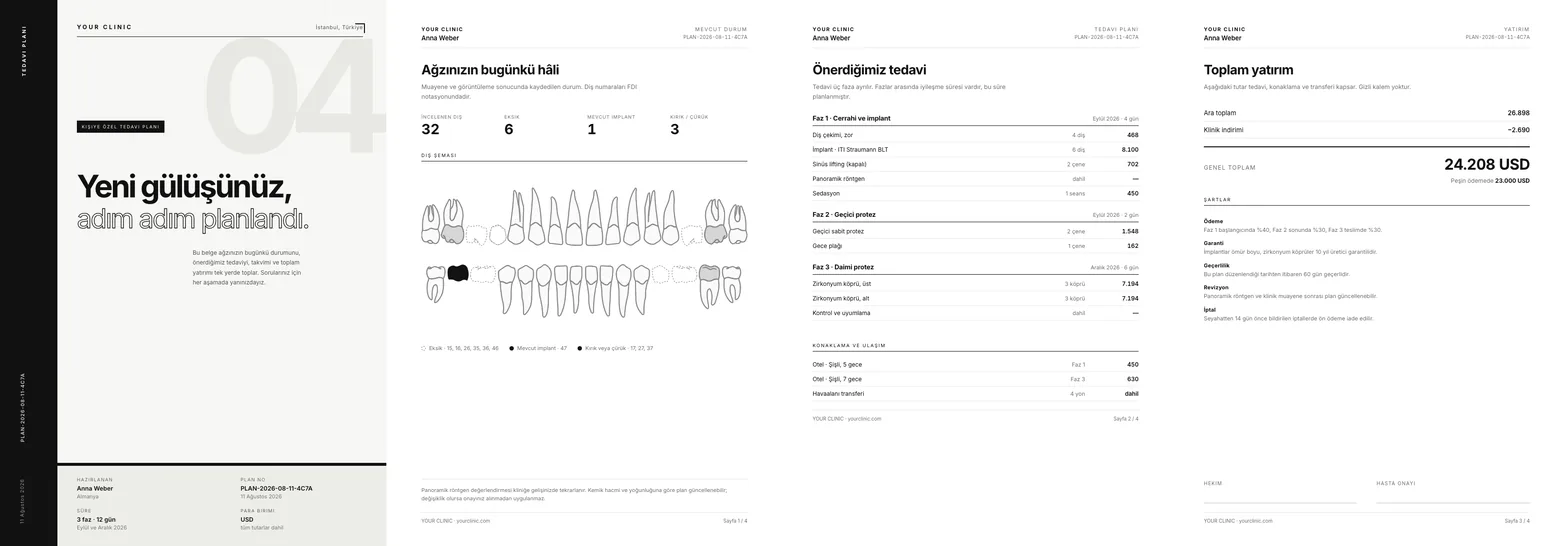
Mono
pure black and white
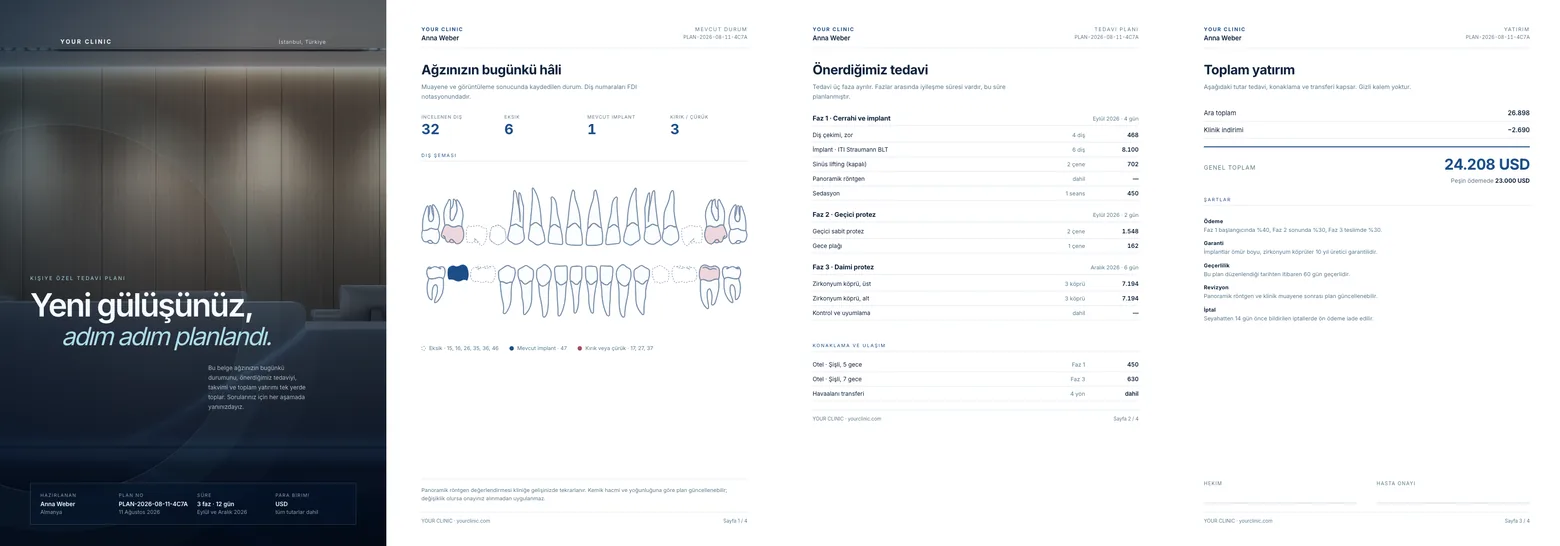
Ocean
navy and ice blue
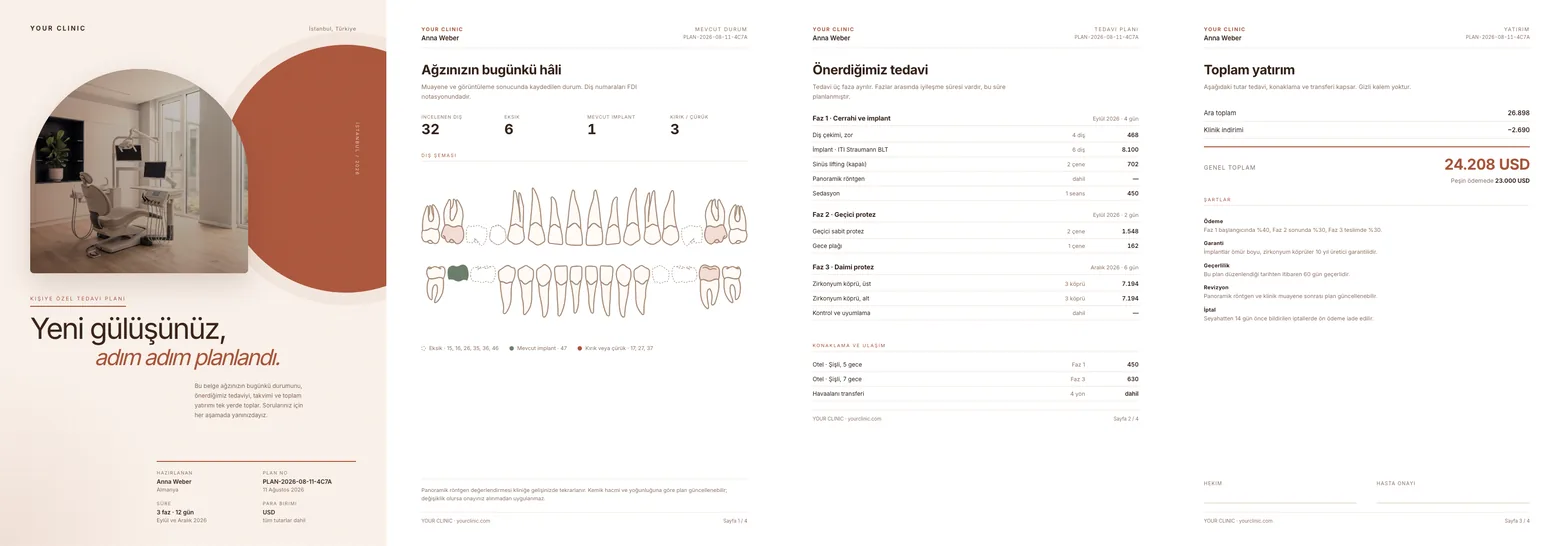
Earth
terracotta and sand
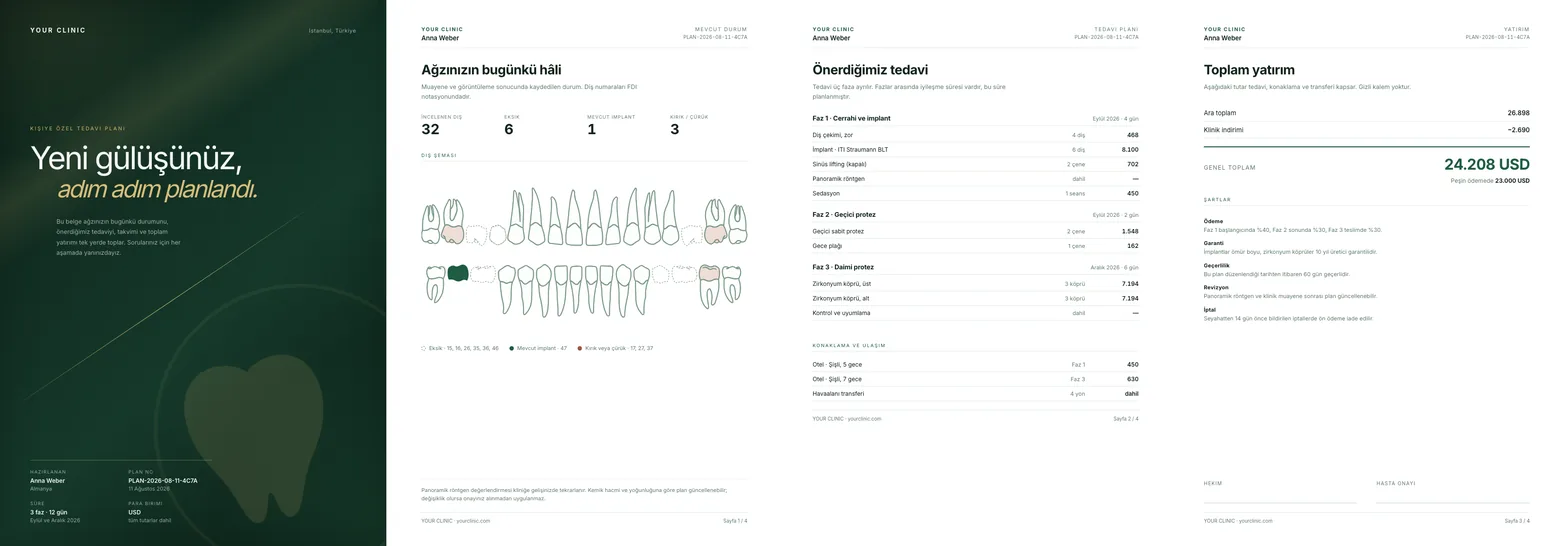
Emerald
dark green and gold
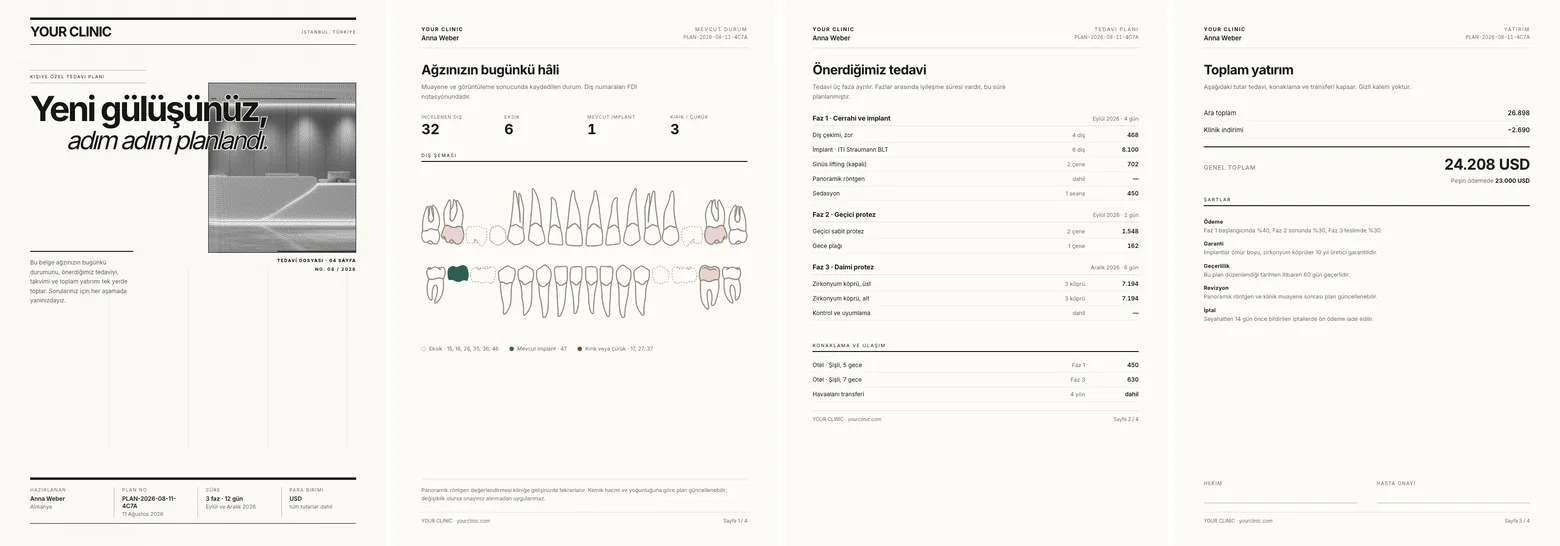
Gazette
a printed feel
The strip pauses when you hover over it. The business name, patient details and amounts are examples; at setup, your own identity and the real record from your CRM take their place.
The dental treatment planner searches patients across Leads and Contacts. If there is no record, one is created; if there is, it is updated. The prepared PDF is attached to both records.
So the quote stops being a file nobody can locate on someone's computer. Who quoted what, when it was sent, which stage it stalled at, all of it sits in the CRM.
Which treatments you offer most, which brands you work with, where your patients come from. Let's talk these through and set up the catalog with your prices.
Message us on WhatsApp or call +90 212 706 53 60.
1
Live training
At the same table as your team in Istanbul, remotely in other cities and abroad; with real data.
2
Full documentation
Every structure we build is in your hands, in writing.
3
How-to videos
Watch-and-apply recordings for every screen.
4
Fast support
Quick answers to anything left unclear after training.
5
Adoption report
Is the team actually using the system? We measure it.
Every company whose setup we did gets base support through three channels after go-live; it is part of our responsibility and is not priced separately. The WhatsApp channel and phone stay open for as long as we are your partner; feature and customization requests by email in the first 6 months are part of the setup, while new modules and integrations are priced separately.
01 · Email
Feature and customization requests
First 6 months after go-live, for your existing setup. Write to us; the request is logged and planned.
02 · WhatsApp channel
Team questions and instant fixes
A channel set up for your company, open for as long as we are your partner. Your team asks, small fixes happen on the spot.
03 · Phone
Urgent issues and management questions
Open for as long as we are your partner. When something stops work or management needs an answer, call us directly.
Coverage
WhatsApp channel and phone
Email · features and customization
After go-live, for every company whose setup we did. None of the three channels is priced separately; the 6-month scope covers feature and customization requests.
We build it, improve it, keep it alive.
No system stays standing without someone behind it. We stay with every structure we build after handover: watching, fine-tuning, and making sure your team truly adopts it.
Write to us for more questions · we reply within 24 hours.
A custom micro-app embedded in your Zoho screen; it shows the tooth chart, treatment plan or patient summary directly inside the CRM, without switching tabs.
30+
projects
99%
client satisfaction
3 channels
post-implementation support
We prepare a concrete proposal and a live demo based on your current system, your goals, and your timeline. No commitment before the contract.